
Why a selfie is enough now
If you need a LinkedIn photo or a CV picture today, you probably have a camera roll full of holiday snaps, mirror photos, and group shots, but nothing you can put next to your job title. Booking a photographer takes days. Most older AI headshot tools ask you to find 10 to 20 good photos of yourself and wait up to two hours for a model to train.
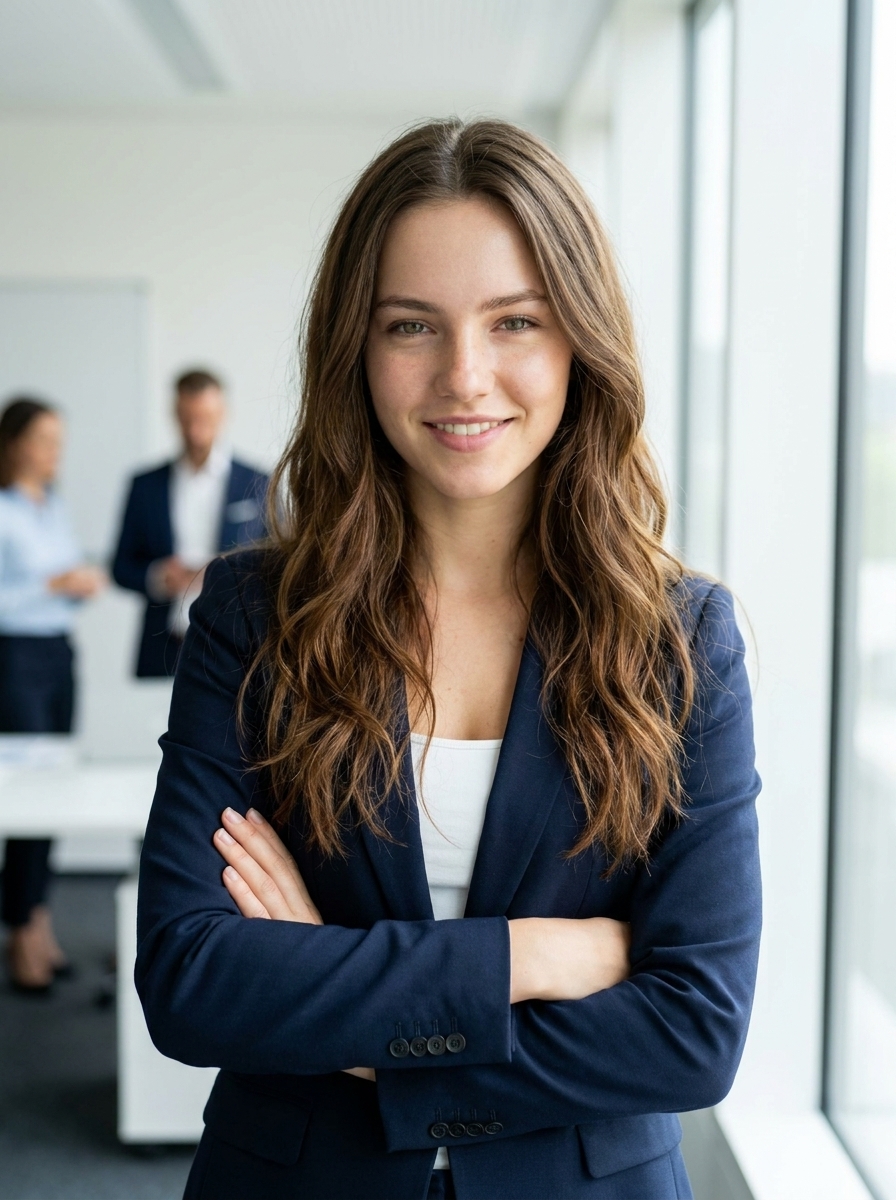
Current image models work differently. Instead of learning your face from a folder of pictures and drawing a portrait from scratch, an engine like Google's Nano Banana reads a single photo alongside a text instruction. It edits the image in place. Your face, bone structure, and expression stay as they are, while the model replaces the t-shirt, the bedroom wall, and the uneven indoor light with a studio setup.
In Doppelshot, the studio headshot card runs this process in about 20 seconds. You upload one clear phone photo, and the card applies the studio lighting, lens depth, and business attire automatically. Your first preview is free with no card required, so you can see right away if your selfie works before you spend anything.
Pick the right selfie
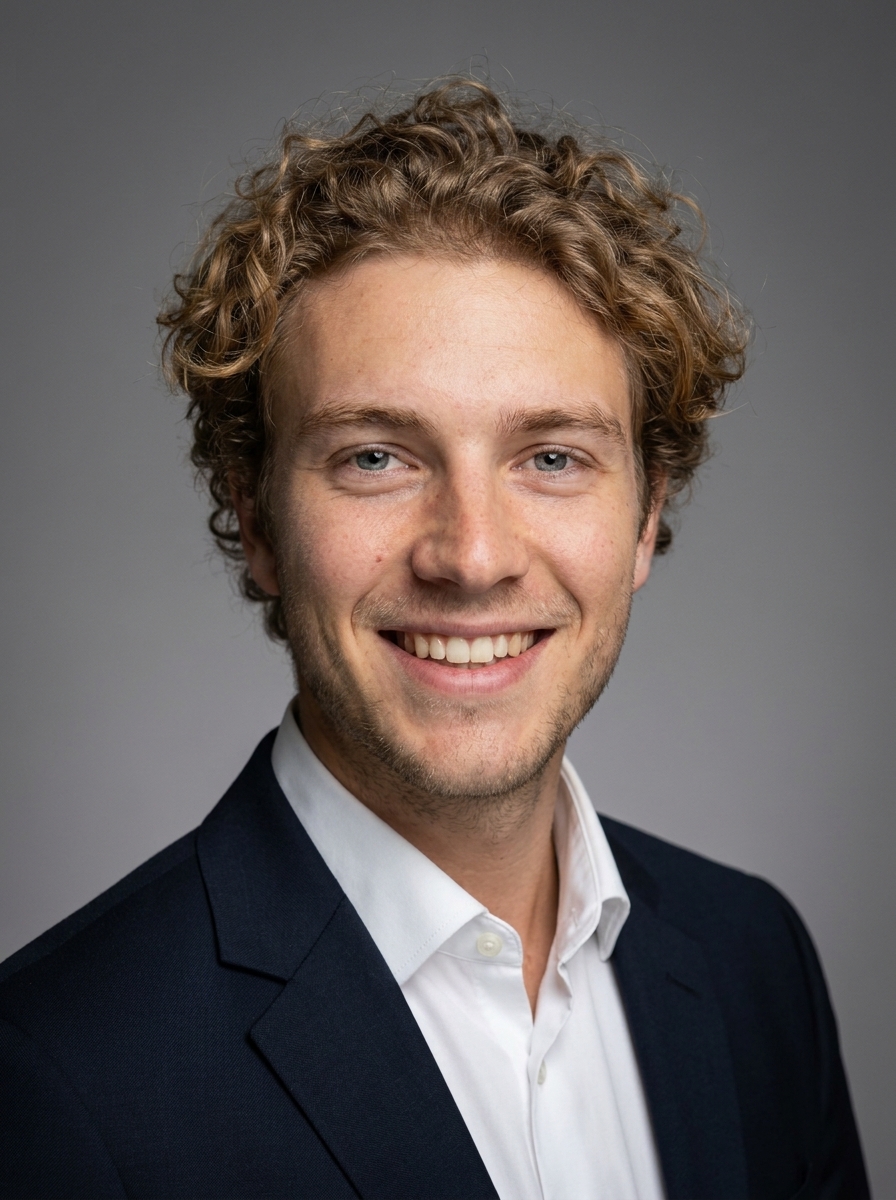
Because a one-selfie generator keeps the face you give it, the quality of your result depends on that single input photo. The AI will fix a messy background or a casual hoodie, but it will stay faithful to your facial expression and the angle of your head.
Pick a photo from your phone that meets these rules:
- Recent and accurate: You should have the same haircut, facial hair, and glasses you wear today.
- Daylight on your face: Face a window or step outside in the shade. Avoid strong overhead lamps or direct midday sun that casts dark shadows under your eyes and nose.
- Eye-level camera: Hold the phone at eye level, or use a photo a friend took of you. Low angles distort the jawline, and high angles change your forehead proportions.
- Sharp and unfiltered: Make sure your eyes are in focus. Skip photos with beauty filters, heavy colour edits, sunglasses, or hats that cover your forehead.
- A natural expression: If you look tense in the selfie, you will look tense in the portrait. A relaxed smile or a calm, approachable look transfers directly to the final image.
What to ask for: light, lens, outfit, background
What separates a phone selfie from a studio portrait is not the person in the picture. It is the camera distance, the light source, the clothing, and the wall behind you.
A phone camera uses a wide-angle lens held at arm's length. That close distance makes the nose look slightly larger and the ears sit further back. A portrait photographer stands two metres away with an 85mm lens, which flattens the features to how people actually see you in a meeting room. Studio softboxes wrap even light across both sides of the face, and a shallow depth of field blurs the background so the viewer looks straight at your eyes.
When you use a preset card, those instructions are built in. If you write a custom scene or switch to an engine like GPT Image in the Studio for a specific look, keep these four elements simple:
- Light: Ask for soft studio lighting, diffused window light, or warm key light with a gentle fill on the shadow side.
- Lens and framing: Ask for a head-and-shoulders portrait shot on an 85mm lens at eye level. Square (1:1) fits LinkedIn profile circles cleanly, while 3:4 suits a CV or company directory.
- Outfit: Name a clean, structured layer in neutral tones, such as a navy blazer over a white shirt, a charcoal knit sweater, or a tailored blouse. Solid colours distract less than busy patterns.
- Background: Choose a softly blurred office, a warm grey studio backdrop, or quiet outdoor greenery out of focus.
Check the result like a recruiter
Hiring managers look at a LinkedIn photo for about a second on a phone screen. They are not judging artistic photography. They want to recognise the person who will join the video call on Monday morning.
Before you download your portrait and put it on your profile, check five details:
- Instant recognition: Would a colleague who saw you yesterday recognise you without hesitation. If the face looks slightly younger or smoother than real life, try again with a sharper, better-lit selfie.
- Eyes and glasses: Check that both eyes look in the same direction and that glasses frames sit evenly on the nose without strange reflections.
- Skin texture: Good AI headshots keep natural pores, freckles, and laugh lines. Avoid results that look waxy or airbrushed.
- Collar and neckline: Look where the neck meets the shirt or jacket to make sure the fabric folds naturally.
- Thumbnail clarity: Zoom out until the photo is the size of a coin. Your face should fill roughly 60 percent of the frame and stand out clearly against the background.
If a result works well at normal size and you also need it for a printed speaker bio or an A4 poster, you can run the 2x, 3x, or 4x upscaler in the app to sharpen the pixels for print.
One headshot or twenty: when a twin pack is worth it
For most job seekers, one or two clean portraits from a single selfie solve the problem. You update LinkedIn, put the same photo on your CV and Slack, and you are done.
Sometimes you need more variety. A founder building a company site, a consultant who speaks at events, or someone posting weekly on LinkedIn often wants half a dozen consistent photos in different outfits and settings.
That is where an AI twin comes in. Instead of uploading one photo, you upload 10 to 20 varied selfies taken in different places and angles. Doppelshot offers three ways to use them:
- Instant twin: Ready right away with no training wait. It uses your selfie set directly as references every time you generate a scene.
- Studio twin: Learns a dedicated face profile in a few minutes for higher likeness across scenes.
- Trained twin: Trains your own model weights in about 25 to 35 minutes; the twin packs cost half on it, and you can download the weights.
Once your twin is set up, you can run the LinkedIn pack to generate six different professional looks of the same face in one go, or pick a headshot by job pack tailored to your industry.
Headshot tools compared in one minute
Not every AI photo tool is built for the same job. Here is how one-selfie generation compares with traditional training-based services and general chat tools:
- Dedicated batch generators: Services like Headshot Pro and Aragon ask for a batch of 10 to 20 photos, train a model over 15 minutes to two hours, and deliver dozens of corporate portraits for a one-time package fee. They are a practical pick if you want 50 corporate headshots in one order or need a uniform style across a whole company team. You can read the full breakdown on the Doppelshot vs Headshot Pro comparison page.
- Subscription twin studios: Apps like Photo AI train a model on your photo set and give you access to a large catalog of photo packs and editing tools under a monthly subscription. They make sense if you generate hundreds of lifestyle photos every month. See the Doppelshot vs Photo AI comparison for a side-by-side table.
- Generic chat tools: ChatGPT and Gemini can edit a photo if you write a detailed prompt, though they do not offer preset portrait cards, commercial licensing terms for every paid output, or integrated voice and video tools in the same workspace.
- Doppelshot: Built for speed and pay-as-you-go use. You start from one selfie, get a portrait in about 20 seconds, and buy credits only when you need them, with no subscription required. The price shows before you run, and you can check all packs and plans on the pricing section. If you later want your headshot to speak a 10-second intro in your cloned voice for TikTok or Reels, you can do it from the same photo.
FAQ
Is an AI headshot allowed on LinkedIn and on a CV?
Yes. LinkedIn requires your profile photo to be an accurate likeness of you. As long as your AI headshot looks like you today and uses your real features, it works well for LinkedIn, CVs, and company directories. Every result generated on Doppelshot carries a machine-readable AI marker in line with Article 50 of the EU AI Act, and must not be presented as a real camera photograph where disclosure is required.
Do I get a commercial license for my headshot?
Every paid result on Doppelshot comes with a full commercial license and no watermark, so you can use it on your company website, press kit, business cards, and social profiles. The free preview at signup carries a visible mark and is for personal testing only.
What happens to my uploaded selfie?
Doppelshot is operated by AitekLabs, MB, an EU company in Lithuania, under the GDPR. Your uploaded selfies and twins stay in a private storage bucket with no public link and are never used to train Doppelshot's models. AI providers receive your selfie only through a short-lived signed link to produce the image. Selfies and twins are deleted automatically 90 days after last use, or immediately whenever you delete them from your account.
Do I need to upload 10 to 20 photos to get a headshot?
No. A single clear selfie is enough for the studio headshot card and all standard photo cards. You only upload 10 to 20 photos if you choose to create an optional AI twin for multi-photo packs or custom series.